In this guide
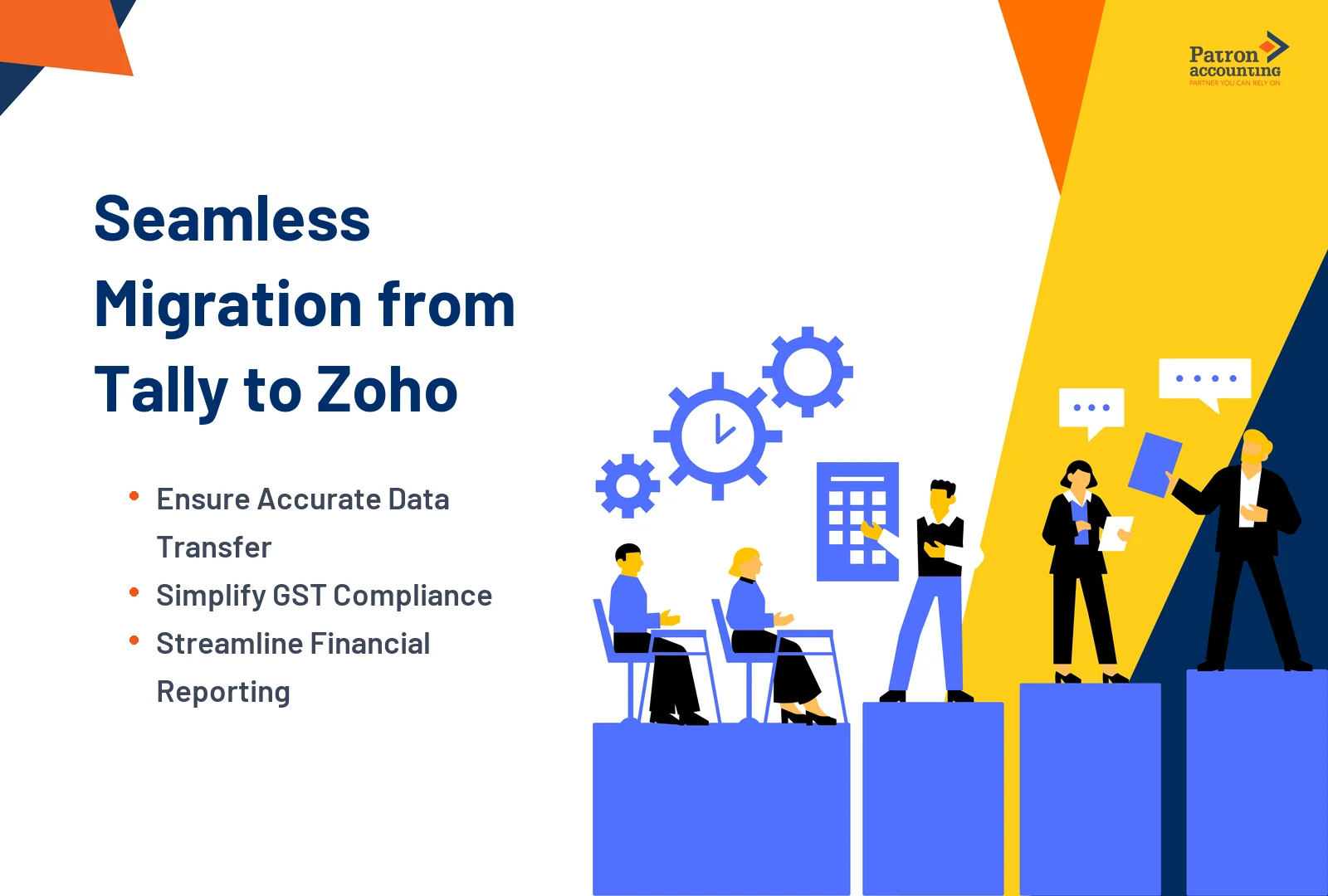
You have decided to move from Tally to Zoho Books. The question is not whether to migrate - it is how to migrate without losing data, breaking your financial reports, or creating GST compliance gaps. A poorly executed migration means your Balance Sheet does not balance on day one, your customer opening balances are wrong, your inventory valuation is off, and your first GST return from Zoho Books has errors.
This guide provides the complete migration process - from the pre-migration checklist and Tally data export, through the correct import sequence in Zoho Books, GST-specific migration steps, and the post-migration verification that confirms everything transferred accurately.
Why Businesses Migrate from Tally to Zoho Books
TallyPrime is a desktop-based accounting software that has served Indian businesses well for decades. But as businesses grow, require multi-user access, remote collaboration, automated bank feeds, integrated GST filing, and e-invoicing - all from a cloud platform - TallyPrime's desktop architecture becomes a limitation.
Zoho Books addresses these gaps with cloud access from any device, automated bank reconciliation, direct GSTR filing as a GST Suvidha Provider, built-in e-invoicing, project accounting, and integration with Zoho CRM, Zoho Inventory, and 300+ third-party apps. For professional migration support, explore our Tally to Zoho migration services.
Key Terms You Should Know
- Account Masters (Tally) = Chart of Accounts (Zoho Books): The master list of all ledger accounts grouped into categories.
- Ledger (Tally) = Account (Zoho Books): Individual account within the chart - e.g., 'Cash in Hand', 'HDFC Bank', 'Office Rent'.
- Voucher (Tally) = Transaction (Zoho Books): Individual accounting entry - sales voucher = invoice, purchase voucher = bill, receipt voucher = payment received.
- Stock Item (Tally) = Item (Zoho Books): Products or services you sell or buy. Includes units, rates, and HSN/SAC codes.
- Sundry Debtors (Tally) = Accounts Receivable (Zoho Books): Money owed to you by customers.
- Sundry Creditors (Tally) = Accounts Payable (Zoho Books): Money you owe to vendors.
- Opening Balance: The balance in each account as of the migration date. Usually 1 April (financial year start) or the date you switch.
- Migration Date: The cut-off date after which all transactions are recorded in Zoho Books. Everything before this date comes from Tally as opening balances.
Who Should Use This Guide?
- Business owners switching from TallyPrime to Zoho Books for cloud access and automation
- CAs and bookkeepers migrating client data from Tally to Zoho Books
- Startups that initially used Tally and are now scaling to cloud accounting
- Multi-location businesses that need remote access to accounting data
- Businesses where QuickBooks India was discontinued and Tally was the interim solution
Before migrating, choose the right Zoho Books plan. Use our pricing calculator to determine the plan based on your user count, GSTIN count, and invoice volume.
Pre-Migration Checklist: 12 Things to Do Before You Start
- Take a complete Tally backup. Gateway → F3 → Backup. Store in multiple locations - local drive, external drive, and cloud storage. This is your safety net.
- Reconcile all bank accounts in Tally. Ensure every bank account balance in Tally matches the actual bank statement as of the migration date. Unreconciled items must be resolved before migration - they will not auto-resolve in Zoho Books.
- Verify all customer and vendor balances. Run Sundry Debtors and Sundry Creditors aging reports. Confirm outstanding amounts are correct. Wrong balances in Tally become wrong opening balances in Zoho Books.
- Clean up your ledger structure. Delete unused ledgers, merge duplicates, standardise naming conventions. A clean Tally = a clean Zoho Books.
- Verify stock quantities and valuation. Run Stock Summary report. Do a physical count if possible. Opening inventory in Zoho Books must match actual stock.
- Complete all pending GST returns. File all GSTR-1 and GSTR-3B returns up to the migration date from Tally. Do not split a return period across two systems.
- Run Trial Balance as of migration date. This is the master reference document. Every opening balance in Zoho Books must match this Trial Balance exactly.
- Decide: opening balances only or full history? For most businesses, opening balances are sufficient. Full transaction history is needed only if you require audit trail continuity or multi-year comparative reports in Zoho Books.
- Set up your Zoho Books organisation. Create the organisation with India as the country, INR as currency, April-March fiscal year. Complete GST setup - see our GST setup guide.
- Configure the Chart of Accounts in Zoho Books. Map your Tally ledger groups to Zoho Books account types before importing. See our chart of accounts setup for the complete Tally-to-Zoho mapping table.
- Prepare CSV/Excel files from Tally exports. Export: Stock Summary, Account Masters, Contact List, Voucher Data, and Trial Balance. Convert to CSV/Excel format compatible with Zoho Books import templates.
- Download Zoho Books import templates. From each import module in Zoho Books, download the sample CSV template. Map your Tally export columns to the Zoho template columns before importing.
The Correct 8-Step Import Sequence in Zoho Books
The import order matters. Importing transactions before contacts results in errors because the transactions reference contacts that do not exist yet. Follow this exact sequence:
| Step | What to Import | Zoho Books Navigation |
|---|---|---|
| 1 | Chart of Accounts - all ledger masters with account types and codes | Accountant → Chart of Accounts → Import (gear icon) |
| 2 | Contacts - customers and vendors with GSTINs, addresses, payment terms | Contacts → Import (gear icon) → Upload CSV |
| 3 | Items - products and services with HSN/SAC codes, rates, units, opening stock | Items → Import (gear icon) → Upload CSV |
| 4 | Bank Accounts - connect or manually add bank/credit card accounts | Banking → Add Bank or Credit Card |
| 5 | Opening Balances - trial balance as of migration date | Settings → Opening Balances → Edit → Enter balances |
| 6 | Open Sales Transactions - unpaid invoices before migration date (if migrating history) | Sales → Invoices → Import |
| 7 | Open Purchase Transactions - unpaid bills before migration date (if migrating history) | Purchases → Bills → Import |
| 8 | Verification - trial balance comparison, balance check, GST validation | Reports → Trial Balance + manual comparison |
Critical Rule: After entering opening balances (Step 5), verify that the Opening Balance Adjustment account shows zero. If it does not, your debits and credits do not balance - stop and fix before proceeding. For professional migration support, our Zoho Books accounting services include end-to-end data transfer and validation.
Tally to Zoho Books Terminology Mapping
Understanding how Tally terms translate to Zoho Books is essential for accurate data mapping:
| Tally Term | Zoho Books Equivalent |
|---|---|
| Account Masters / Ledger Groups | Chart of Accounts / Account Types |
| Ledger | Account |
| Sales Voucher | Invoice |
| Purchase Voucher | Bill |
| Receipt Voucher | Payment Received |
| Payment Voucher | Payment Made |
| Journal Voucher | Manual Journal |
| Credit Note (Sales Return) | Credit Note |
| Debit Note (Purchase Return) | Vendor Credit / Debit Note |
| Stock Item | Item (with inventory tracking) |
| Stock Group | Item Group |
| Sundry Debtors | Accounts Receivable |
| Sundry Creditors | Accounts Payable |
| Duties & Taxes | Other Current Liability (GST/TDS accounts) |
| Godown | Warehouse (Premium plan+) |
Common Migration Mistakes and How to Avoid Them
Mistake 1: Importing transactions before contacts and items. Zoho Books requires the referenced contact and item to exist before a transaction can be imported. If you import invoices before importing customers, every invoice fails. Follow the 8-step sequence strictly.
Mistake 2: Not reconciling the trial balance after migration. The single most important verification step. Run Trial Balance in Zoho Books immediately after Step 5 and compare line-by-line with the Tally Trial Balance. If any account differs, investigate and correct before proceeding.
Mistake 3: Migrating dirty data. Duplicate ledgers, inactive contacts, zero-balance accounts from 2018, and test entries from Tally - all of these pollute your Zoho Books setup. Clean Tally data thoroughly before export. Delete or merge anything that is not current and relevant.
Mistake 4: Wrong migration date. If you migrate on 15 October but set the migration date as 1 April, you have a 6-month gap with no transaction data. If you migrate on 1 April but enter balances as of 31 March of the previous year, your opening balances are a full year old. The migration date must be the exact date as of which your Tally trial balance was generated.
Mistake 5: Not completing GST returns before migration. If your March GSTR-1 is not filed from Tally before switching to Zoho Books, you will need to manually reconcile which invoices were filed from which system. Always complete the current return period in Tally before starting in Zoho Books.
When to Migrate: Year-End vs Mid-Year
| Year-End Migration (1 April) | Mid-Year Migration (Any Date) |
|---|---|
| Clean opening balances - no partial-year transactions to migrate | Must migrate partial-year transactions or handle them as opening balances with detail loss |
| All GST returns filed from one system per financial year | GST returns split across two systems in the same year - requires careful reconciliation |
| Financial statements in Zoho Books cover the full year | Financial statements require combining Tally (pre-migration) and Zoho Books (post-migration) data |
| Recommended for most businesses | Use when delay is not an option - e.g., urgent cloud access need, team scaling, or Tally discontinuation |
Post-Migration Verification Checklist
- Trial Balance match: Zoho Books Trial Balance must match Tally Trial Balance as of migration date - every account, every amount.
- Opening Balance Adjustment = zero: This system account must show zero. Non-zero means debits ≠ credits - a data error exists.
- Customer balances match: Run Accounts Receivable aging in Zoho Books - each customer's outstanding must match Tally's Sundry Debtors report.
- Vendor balances match: Run Accounts Payable aging in Zoho Books - each vendor's outstanding must match Tally's Sundry Creditors report.
- Inventory values match: Run Inventory Summary in Zoho Books - quantities and valuations must match Tally's Stock Summary report.
- Bank balances match: Each bank account balance in Zoho Books must match Tally and the actual bank statement as of migration date.
- GST configuration verified: GSTIN correct, tax rates configured, HSN/SAC codes assigned to all items, e-invoicing enabled if applicable.
- Create a test invoice: Generate one B2B and one B2C invoice. Verify GST breakup, HSN codes, and e-invoice generation (if applicable). Confirm the invoice PDF looks correct.
- Team training completed: Ensure all users know how to create invoices, record expenses, reconcile bank transactions, and access reports in Zoho Books.
Key Takeaways
Tally to Zoho Books migration follows an 8-step import sequence - Chart of Accounts first, then Contacts, Items, Bank Accounts, Opening Balances, Open Transactions, and finally Verification. Importing out of sequence causes cascading errors across the system.
The pre-migration checklist (12 steps) is as important as the migration itself - bank reconciliation, customer/vendor balance verification, stock count, GST return completion, and data cleanup in Tally must all be done before any export. Migrating dirty data locks errors permanently into Zoho Books.
Year-end migration (1 April) is strongly recommended over mid-year migration for most businesses - it provides clean opening balances, avoids split-system GST returns, and ensures full-year financial statements in Zoho Books.
Post-migration verification - trial balance match, Opening Balance Adjustment = zero, customer/vendor/inventory/bank balance checks - must be completed before any new transaction is entered in Zoho Books. Skipping verification leads to reporting errors that surface months later.
The Tally-to-Zoho terminology mapping (Account Masters = Chart of Accounts, Sales Voucher = Invoice, Sundry Debtors = Accounts Receivable, etc.) is essential for correct field mapping during import and for training staff on the new system.
Need Help Migrating from Tally to Zoho Books?
Migration from Tally to Zoho Books involves data cleanup, export, mapping, import in the correct sequence, and verification - each step must be done precisely to ensure your books are accurate from day one.
Explore our Zoho Books implementation for CA-supervised migration, data transfer, GST configuration, and team training.