


Trusted by 10,000+ Businesses

Migration from Tally to Zoho

Seamless cloud migration for your business

Accurate data transfer, zero disruption

Expert-assisted transition support

15+ Years Industry Experience
CA & CS Certified Experts
4.9
Based on 500+ reviews

Request a Call Back

Get expert advice within 30 minutes

India Flag +91
10,000+ Happy Clients
15+ Years Experience
50,000+ Documents Filed
4.9★ Client Rating
ISO Certified
SSL Secure

Real Stories from Real People

Hear how teams across industries use patron to save time, cut costs, & stay in control.

Sunny Ashpal
Sunny Ashpal

Director - Demandify Media

Anjanay Srivastava
Anjanay Srivastava

Founder and Managing Director - Hunarsource Consulting

I’ve had an outstanding experience working with my CA-patron Accounting . Their professionalism, attention to detail, and timely communication made th...

I'm glad that I was able to connect with Patron. They took the minimum time to do the calculations based on the details provided by me and were really...

Really a fantastic experience with Patron accounting especially Shubham, he was extremely great. Knowledgeable person who deserves the 5 star for smoo...

Patron Accounting gives the best service related to all account handling of our firm. I am blessed and extremely happy that Patron Accounting assigned...

I have called Patron to file ITR for my 5 family members. I worked with Shubham Junjunwala and Amin Jain. It was a smooth process. They understand bas...

From the very beginning, their approach has been highly professional, prompt, and solution-oriented. Every interaction reflected their deep knowledge,...

Very proficient and professional staff. Do fantastic job and instant response. Strongly recommended engaging them for all accounting needs specially f...

I contacted them to file the ITR. Shubham was the POC for me and he was really very professional and giving prompt responses. Recommend to give them a...

Join 10,000+ Satisfied Businesses

Get expert assistance for all your business registration needs

Why Indian Firms Are Looking to Zoho

Indian businesses have been using Tally for years, and the country is a model success story. It's been the bedrock of accounting for SMEs. But as business needs grow, cloud-based solutions (like Zoho Books) tend to be more flexible and automated, you can access them instantly from anywhere. This is why cloud accounting migration in India has picked up pace across industries.

Migration from Tally to Zoho is more than just a buzzword already. It is a strategic move that makes businesses keep compliant, save time and access data from everywhere. This guide is intended to lead you through the entire process, from ideation to execution.

What Is Migration from Tally to Zoho?

Tally to Zoho migration is nothing but the process of moving your account data, transaction data (bank transactions), report data (financial reports) and master configurations like Stock Items, ledgers etc., from Tally ERP (TallyPrime) into either Zoho Books or Zoho Finance Suite. In simple terms, Tally ERP to Zoho means shifting your entire financial ecosystem to the cloud.

This involves Tally data export of ledgers, vouchers, stock items, O/s balance and tax setup. The exported data is formatted, converted and imported into Zoho Books using a supported file format like CSV or Excel.

We want your financial record to rocket in the cloud race. There's also support for GST compliance, bank feeds, real-time dashboards and multi-user access in Zoho Books, all things that make Zoho Books data migration a worthwhile investment for growing businesses.

A seamless migration helps you add customers fast and retain your customers credibly by avoiding data loss, manual re-entry and ensuring your team can benefit from Zoho without delays.

Trusted Process 100% Compliance

Who Should Consider This Migration?

Any SME, startup or finance team currently on Tally ERP 9 should consider the switch from Tally to Zoho Books, especially if they want cloud access without compromising on their experience. If you have a remotely distributed team across many locations, Zoho Books provides that access to everyone all at once, no obscure VPN schemes or local networking nonsense needed.

Businesses that have growing volumes of transactions, multiple GST registrations or need e-invoicing quite often would benefit significantly. If you want automatic bank reconciliation, inbuilt project tracking or integrated CRM features, then accounting software migration is definitely something to think about.

That being said though, fast-growing startups and established businesses that handle lot of clients have found Zoho Books accounting to be a bit more collaborative and good for reporting.

Requirements

Our Tally to Zoho Conversion Services

We specialize in migration from Tally to Zoho and we are able to import your MFG/PRO, DBA Manufacturing, Prophix and AX Data into efficient modules.

Data Assessment and Audit

We perform your current Tally data analysis to verify the correctness and wholeness of information. This requires the validation of ledger groups, open balances and tax setup before migration.

Data Export from Tally

Our team can export any data in standard forms from TallyPrime or Tally ERP 9. This pertains to master, vouchers, inventory and GST data.

Data Mapping and Formatting

Read on to see how in fact Tally and Zoho do not even meet courtesy of their data structures. We are very careful to map each Field on the basis of Zoho Books Import and get perfect conversions as per the format of Zoho Books import files.

Zoho Books Setup and Configuration

Creating company in Zoho Books. We brand your Zoho Books, Chart of Accounts, Tax and Payment Terms, User Roles before Data Import.

Data Import and Validation

At import, for each item we inspect the record. Tally, Zoho are reconciled in respect to vouchers, ledger balance, liability due and invoice outstanding.

Post-Migration Support

We'll train your staff, manage your accounting, and provide support for any issues during the first 30 days following migration.

STEP 1

Backup Tally Data

Before we proceed please make sure to backup your tally company data. And store the data on a secure drive or cloud storage. It's always good to have this for Plan B incase something goes wrong during migration. Make sure to synchronize the backup file in Tally before you start.

Backup Tally Data 1
STEP 2

Extract Data from Tally

The Tally data export step is critical. Export Tally Masters (Ledgers, Stock items) and vouchers (Sales, purchase, receipt, payment) with cost centres in excel or any other spreadsheet. Export to Excel or CSV. Ensure that the date ranges represent a complete Fiscal year or for which you would like to import.

Extract Data from Tally 2
STEP 3

Clean and Format Data

Review all exported documents to ensure that there are no errors, duplicates or exclusions. Remove test records or irrelevant data. You have to arrange columns as per import templates of Zoho Books. Watch out for the date formatting, GST numbers and account types.

Clean and Format Data 3
STEP 4

Set Up Zoho Books

Create your Zoho Books organisation. Go to your chart of accounts, GST and currency setup, financial year and user permission. Set up bank accounts and payment gateways if needed. This is what prepares Zoho to receive your data.

Set Up Zoho Books 4
STEP 5

Import Data to Zoho Books

Import your formatted files to Zoho Books using the import option. Start with the masters (contacts, items, chart of accounts) and do transactions import last. Import in the order that Zoho suggests to avoid dependencies.

Import Data to Zoho Books 5
STEP 6

Verify and Reconcile

Post import, compare Tally trial balances, outstanding reports and GST summaries to those in Zoho Books. Flag and resolve any mismatches. Do some test transactions in Zoho to make sure they're working the way they should.

Verify and Reconcile 6
STEP 7

Go Live and Train Your Team

Once authenticated, take backup of your daily transactions by using Zoho Books. Use your accounts team as a training session. As an interim step, keep Tally in read-only mode for a period of time (at least a month).

Go Live and Train Your Team 7

Checklist for Migrating: Documents and Information Required

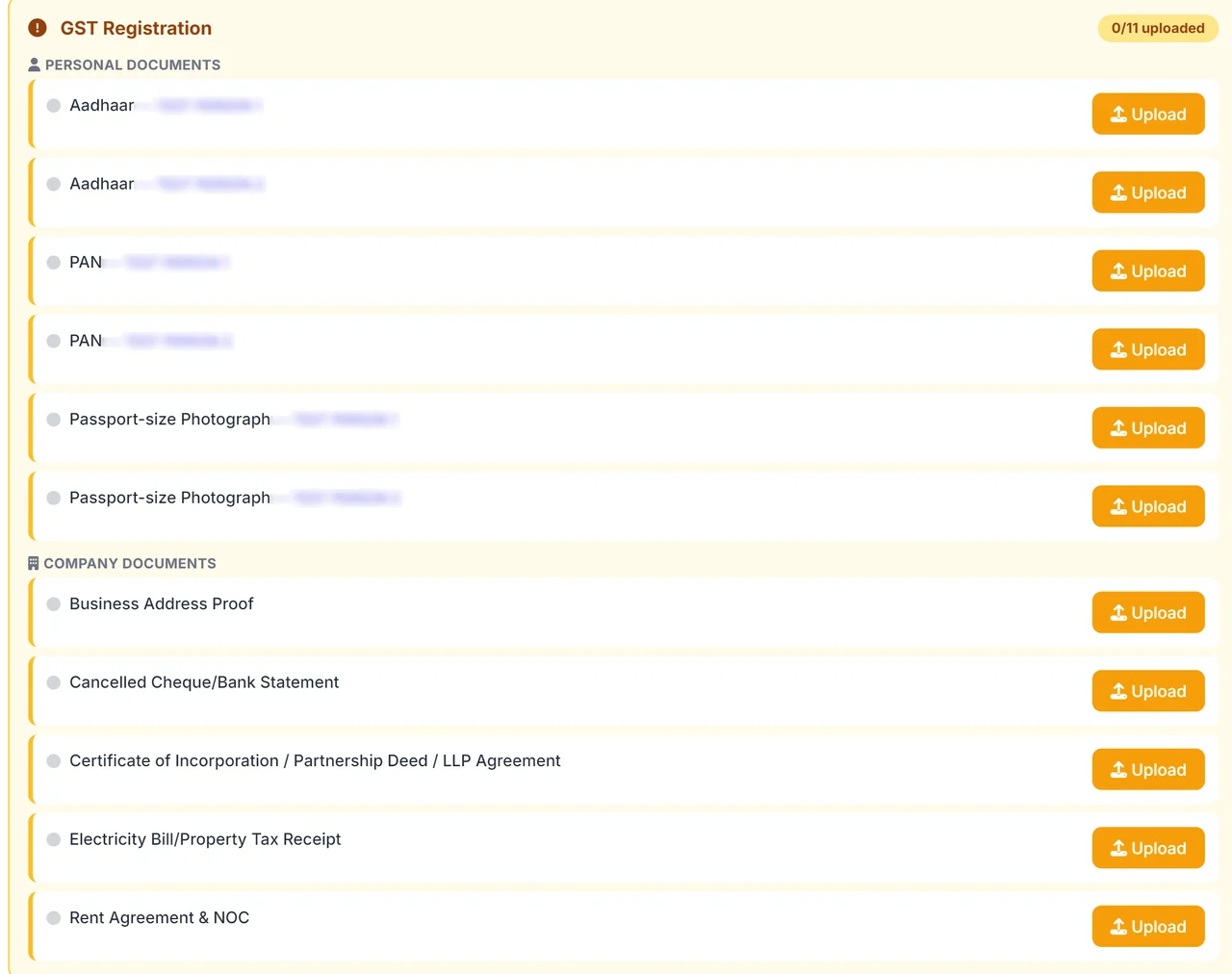
Required Documents

  • Tally company backup file
  • Complete list of ledger groups and sub-groups in Excel/CSV.
  • S Vouchers (Sales, Purchase, Cash receipt and payment, Journal and contra).
  • Stock and inventory records
  • Outstanding balances
  • GST registration details
  • Bank statements
  • Zoho Books subscription details

Common Challenges and Solutions

Common Challenge Patron Accounting Solution

Data Format Mismatch

Tally will export to its own format only and does not directly correspond with Zoho's import templates for customer, company, item or invoice. Solution: Do the Intermediate formatting in Excel instead. Prior to upload, map each Tally field with the Zoho field as such.

Opening Balance Discrepancy

The opening balances may not match after an import (and other small rounding errors or omissions). Solution: The reconciliation of trial balance is as follows, step by step. Note, in Zoho, do make the opening balances adjustments if any.

GST Configuration Differences

The tax rates, the HSN codes or the exemption categories may not be in sync across both platforms. Solution: Refer the GST setup guide and map Tally tax ledgers with respective Zoho tax rate before you proceed with importing transactions.

Team Resistance to Change

Tally once workers are comfortable with it, workers are less likely to change interfaces. Solution: Provide hands-on training sessions. Highlight time-saving features such as bank feeds and one-click GST returns in Zoho.

How Long Does the Migration Take?

An easy migration of one year of data generally takes 3 to 5 business days. For multi-year data or more complex inventory structures, this may in some cases increase to between 7 to 15 working days.

Cleaning and formatting the data takes 1 to 3 days. Post-migration verification and reconciliation takes another 1 to 2 days
These timelines are approximations; actual timing depends on the volume of data and the team's availability.

Why Migrate to Zoho Books: Key Benefits

Cloud Access

Cloud Access

Get your books from all over, in every single place. No local install, no VPNs. Cloud accounting migration in India is growing fast, and Zoho Books leads the way.
GST Compliance

GST Compliance

Fulfil all your GST filing requirements on Zoho Books. Create e-invoices and E-way bills in no time.
Automation

Automation

Reconcile bank automatically, create recurring invoices or payment reminders. Save hours every month manually.
Multi-User Collaboration

Multi-User Collaboration

Invite your team with role based access. Your CA, accountant and business owner all in one person.
Real-Time Reporting

Real-Time Reporting

Generate P&L, B/S, CF and a numbers of custom reports instantly. Make data-driven decisions faster.
Scalability

Scalability

Zoho grows with your business. Pair with Zoho CRM, Zoho Inventory, Zoho Payroll and 40+ apps.

Tally vs Zoho Books: Match up Summary

Feature Tally (TallyPrime) Zoho Books
Deployment Desktop-based Cloud-based
Remote Access Requires TallyPrime Server or VPN Browser and mobile app
GST Filing Manual export and upload Direct filing from software
Bank Reconciliation Manual Automated bank feeds
Multi-User Access Limited (LAN-based) Role-based cloud access
E-Invoicing Supported (add-on) Built-in
Integrations Limited third-party 40+ Zoho and third-party apps
Pricing Model One-time license Annual subscription

Why Choose Patron Accounting?

Patron Accounting has helped many companies in India with Tally to Zoho migration, shifting them from traditional desktop accounting to online. We make our human resources, certified Zoho Consultants and CA's / Chartered Accountants available to help you with the mundane requirements of migration, not just technically but aspectually compliance when it comes to a shift.

It's not just about moving your data. We're keeping it clean, right and ensuring you can use this from day one. We follow a methodical approach to migration that reduces downtime, and also provide support after your data is moved so your team can become skilled.

Discover our total range of accounting services and Zoho Books accounting solutions that would best match your needs.

Your one-stop partner for Accounting Services

AccountingTaxAuditCompliance

Frequently Asked Questions

Have a look at the answers to the most asked questions.

FAQ Illustration

That is the process of exporting data from Tally to Zoho Books and doing cloud-based accounting.

Cloud access, automation and baked-in GST filing that Zoho Books has as a feature is something which Tally's desktop version misses out on.

Yes you are able to export stock items, groups and opening balances from Tally software and import into Zoho.

Not required, but having a CA helps ensure good data integrity and compliance during accounting software migration.

Yes, this is also compatible with GSTR-1, GSTR-3B, e-invoicing and e-way bill.
Back to Top