


Xero Accounting in India
Smart Accounting
Error-Free Books
GST Compliant
Request a call back
Real Stories from Real People
Hear how teams across industries use patron to save time, cut costs, & stay in control.
Join 10,000+ Satisfied Businesses
Get expert assistance for all your business registration needs
Xero Accounting in India
In India, Xero Accounting is a cloud-based platform that has changed the way companies, such as small and medium enterprises (SMEs), manage their finances by offering an easy-to-use interface to manage invoices, make bank reconciliations, ensure compliance with the Goods and Services Tax (GST), and support multiple currencies in addition to real-time access to reports. With its incredible integration capabilities with Indian Banks, Xero makes it easy for companies to file taxes electronically and provide their employees with access to their financial data from anywhere at any time. In addition to streamlining each company's bookkeeping and payroll processes, Xero ensures that companies remain compliant with all applicable tax regulations, regardless of size.
What is Xero Accounting?
Xero, a cloud accounting software, is easy-going; it allows small and medium businesses to do their accounting through the web. Among the various features of Xero are real-time invoicing, bank reconciliation for thousands of banks, which is done automatically, tracking of expenses through taking pictures of receipts on mobile, and excellent reporting, like profit and loss (P&L), balance sheets, and cash flow forecasts that are available from any device. The software provides multi-currency capabilities, has easy and smooth integration with more than 1,000 apps like Stripe, PayPal, and CRM tools, and includes payroll features that can manage compliant pay runs with taxes in areas like India. The basic price is around $15/month, which is cheap, and the price is flexible for advanced analytics and unlimited users, which makes it perfect for e-commerce sellers, IT companies, freelancers, and service providers who want the benefits of automation without the hassle of complex on-premise setups.
Xero Accounting in Six Simple Steps
Sign Up and Organization Setup
Make an Xero account, fill in the business data such as name, GSTIN, financial year-end, and tax settings through the setup wizard.
Connect Bank Accounts
Link business bank accounts to get daily transaction feeds automatically, thus making reconciliation and tracking possible in real-time.
Set Up Chart of Accounts
Create a custom chart of accounts or import one to correctly classify income, expenses, assets, and liabilities.
Configure Invoicing and Branding
Include invoices, company logo, payment conditions, due dates, and change billing templates according to the manner you use to bill your customers professionally.
Import Data and Invite Team
Transferring past data or balances; allow entry of the accountant/bookkeeper with access based on their role.
Reconcile and Generate Reports
A couple of transactions, give a green light to bills, conduct P&L, balance sheet reports, and create a recurring task for management that will take place at regular intervals.
Documents Required for Xero Accounting Setup in India
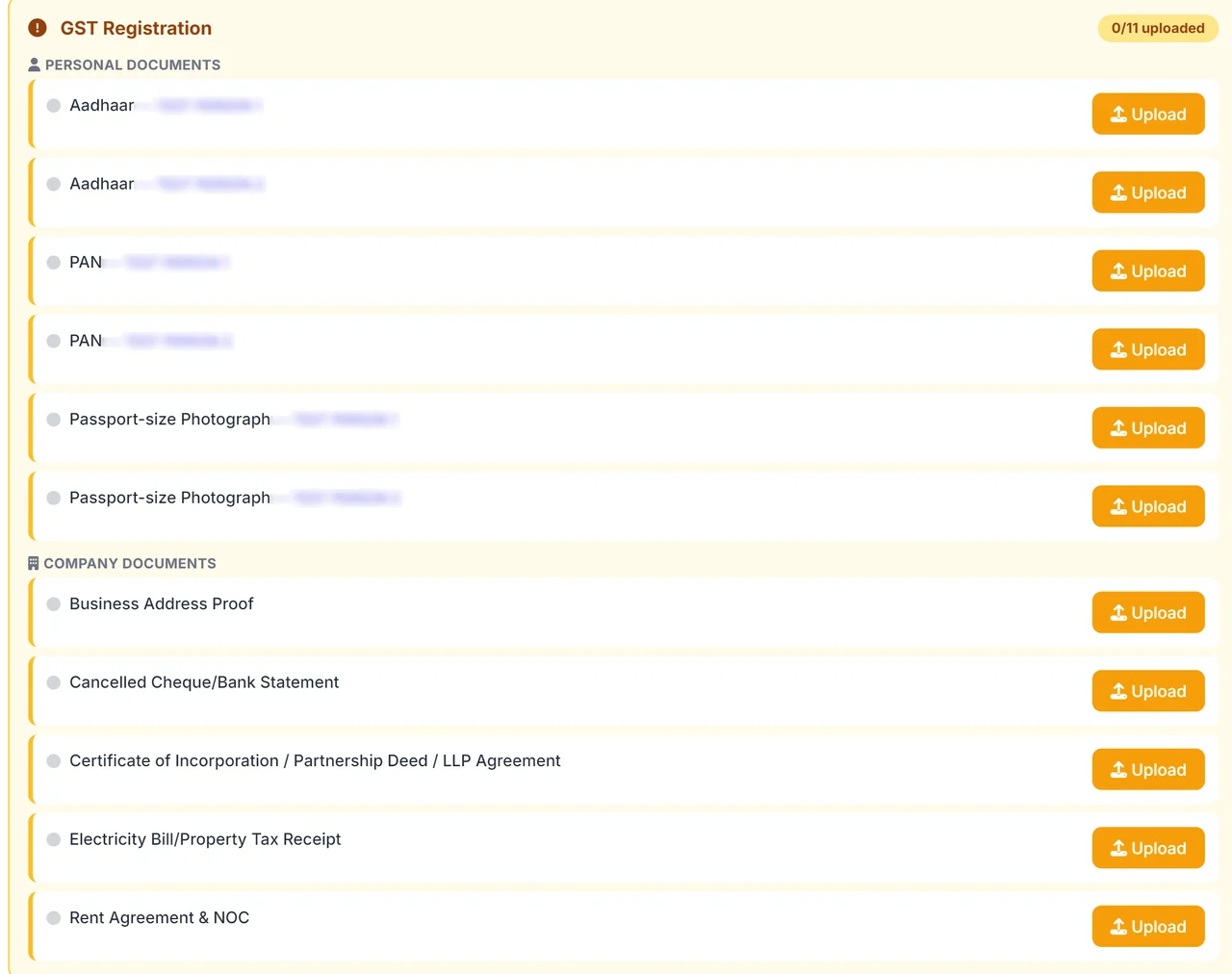
To install Xero accounting software in India, businesses have to present important registration and monetary documents related to GST compliance, bank integration, and data migration.
-
PAN Card with TAN (in case it is applicable).
-
GSTIN (GST registration certificate for tax setup).
-
Incorporation certificate or partnership deed/proprietorship declaration.
-
Bank account statements (last 3-6 months for transaction import).
-
Chart of accounts from previous software (Excel/CSV format).
-
Opening trial balance or ledger extracts.
-
The most recent ITRs or financial statements that have gone through the audit process (for historical data).
-
The lists of vendors and customers with their GSTINs.
-
Maintain payroll records if handling employee salaries.
-
The details of invoice templates and recurring transactions.
-
A fixed asset register is used for tracking depreciation.
Xero Accounting vs Traditional Bookkeeping
| Aspect | Xero Accounting | Traditional Bookkeeping |
| Accessibility | Cloud-based, access anytime/anywhere | Only at the physical location |
| Automation | Automated invoicing, reconciliation, and reminders | Manual entry and calculations |
| Collaboration | Real-time, multi-user, remote sharing | Typically single-user, manual document sharing |
| Data Security | Encrypted, cloud backups | Vulnerable to loss, physical damage |
| Reporting | Instant, customizable reports | Manual, time-consuming to prepare |
| Integration | Connects with other business apps | Rarely integrates with external systems |
| Scalability | Easy to scale as business grows | Difficult, labor-intensive |
| Error Reduction | Automated checks, audit trails | Higher risk of human error |
Time Taken for Xero Accounting in India
Administration of Account Setup (1-3 Days)
4-8 hours of work for SMB (Small-Medium Business) account set-up, including input of Account Setup, Payroll, and basic configuration of the Chart of Accounts.
There will be a 24-hour time frame for syncing bank data. To complete the full process of reconciling the previous 3-6 months-worth of transaction records, you should allow an additional 1-2 days of time for database entry/matching of transactions.
Data Entry and Migration (3-7 Days).
Typical small business imports historical data; opens customer/suppliers sets (sets up new accounts) and enters inventory 1week from the beginning till completion of the first week.
Training and Testing (1 Week).
Train Users, conduct Test Transactions, create Custom Reports, and Validate GST Workflows.
Training/testing duration generally takes 5-7 days to complete.
Live Operational Status (Week 2).
Full handover of all transactions to Live Invoice Provider at the end of the second week; Payroll provider will be established during this period, and Compliance will be validated at the end of this week
Ongoing Optimization (Month 1+).
Ongoing Integration of Reports and Refinements to Processes from the first month, during the first month of Utilising Accountant Support Services.
Key Benefits of Xero Accounting
Real-Time Financial Visibility
Automated Bank Reconciliation
Seamless Invoicing and Payments
GST Compliance and Tax Automation
Multi-User Collaboration
App Integrations and Scalability
Why Choose Patron Accounting for Xero Accounting Services
At Patron Accounting, your revenues and costs are not just recorded and reported; they are also interpreted and explained. The founder, Sundram Gupta (CA, FRM – GARP Level 1) and Poonam Kadge (CA, Dip IFRS – ACCA), personally oversee every accounting process or payroll service we deliver. With 30 years of combined experience, they ensure that decisions you make based on your numbers are accurate, compliant, and meaningful. From daily bookkeeping to complex reconciliations, we are deliberate about clarity, transparency, and trust, so you can make decisions confidently.
Frequently Asked Questions
Have a look at the answers to the most asked questions.