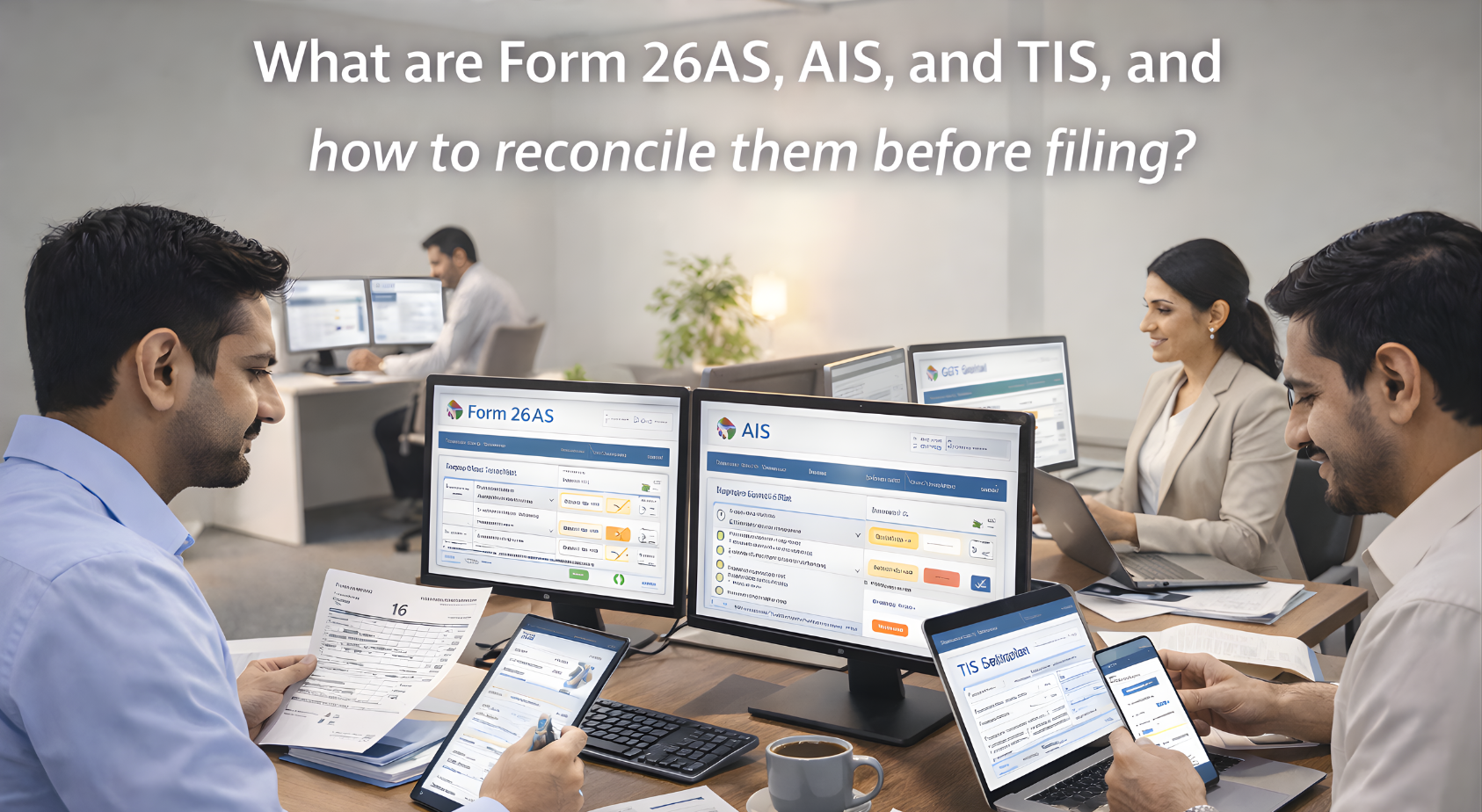
What are Form 26AS, AIS, and TIS, and how to reconcile them before filing?
Before filing your Income Tax Return (ITR) for AY 2025-26, you must reconcile your tax information with three official records: Form 26AS, Annual Information Statement (AIS), and Taxpayer Information Summary (TIS). These documents contain information that the Income Tax Department has about your income, taxes paid, and financial transactions. Whether you are a salaried IT professional, MNC employee, freelancer, or business owner, skipping this step may result in tax notices, processing delays, or incorrect returns.
Understanding Form 26AS
Form 26AS is your consolidated tax credit statement, issued by the Income Tax Department. It includes:
- Tax deducted at source (TDS) by employers, clients, and banks
- Advance tax and self-assessment tax payments
- Tax collected at source (TCS)
- Refunds issued
- Details of earlier ITR processing status
It acts as a framework for ensuring that any taxes deducted on your behalf are correctly credited to your PAN.
Role of the Annual Information Statement (AIS)
AIS provides a detailed account of your financial activity during the financial year, based on information reported by various third parties such as banks, mutual fund houses, stock brokers, and others. It includes:
- Salary and TDS details
- Savings and fixed deposit interest
- Dividend income and mutual fund redemptions
- Equity and crypto transactions
- Foreign remittances, rent receipts, and other income
AIS shows both “reported” and “derived” values, giving you the opportunity to verify and, if needed, raise corrections.
Importance of the Taxpayer Information Summary (TIS)
TIS is a simplified summary of the AIS. It displays the final values that the department considers when pre-filling your ITR. Any changes made to AIS will be reflected in the TIS, making it an important checkpoint for filing accuracy.
Why Reconciliation Matters
Reconciling your ITR data with Form 26AS, AIS, and TIS helps:
- Prevent mismatches and avoid defective return notices
- Ensure that no income has been missed or misreported
- Validate TDS claims and advance tax entries
- Minimize delays in refund processing
- Maintain compliance with reporting obligations, especially for stock sales, ESOPs, or foreign assets
How to Reconcile Before Filing
- Download Form 26AS, AIS, and TIS from the income tax portal
- Match TDS entries in Form 26AS with Form 16 or client records
- Compare interest income, capital gains, and dividends with bank and broker statements
- Review mutual fund and equity transactions for completeness
- Verify that foreign income or overseas holdings are correctly reflected
- Raise feedback on AIS if discrepancies are found; TIS will auto-update accordingly
- File your ITR only after full data alignment is achieved
Expert Assistance to Ensure Compliance
Patron Accounting helps salaried professionals, freelancers, and business owners accurately reconcile tax data. Our experts ensure that you submit a clean, audit-ready return by matching Form 26AS and AIS entries and correcting inconsistencies prior to filing.
Avoid tax notices and filing errors. Let our team assist you in accurate reconciliation before your ITR submission.